Touch Screen POS Terminals: Benefits, Features & Buying Tips
In today’s fast-paced retail, restaurant, and hospitality environments, businesses need efficient, reliable, and user-friendly systems to manage sales, payments, and customer interactions. Touch Screen POS Terminals have become an essential tool for modern businesses, combining speed, accuracy, and seamless integration with other business systems.
Whether you operate a retail store, café, restaurant, or supermarket, the right POS terminal can significantly improve your daily operations. This guide covers the key benefits, features, and buying tips to help you select the perfect system.
Understand Touch Screen POS Terminals
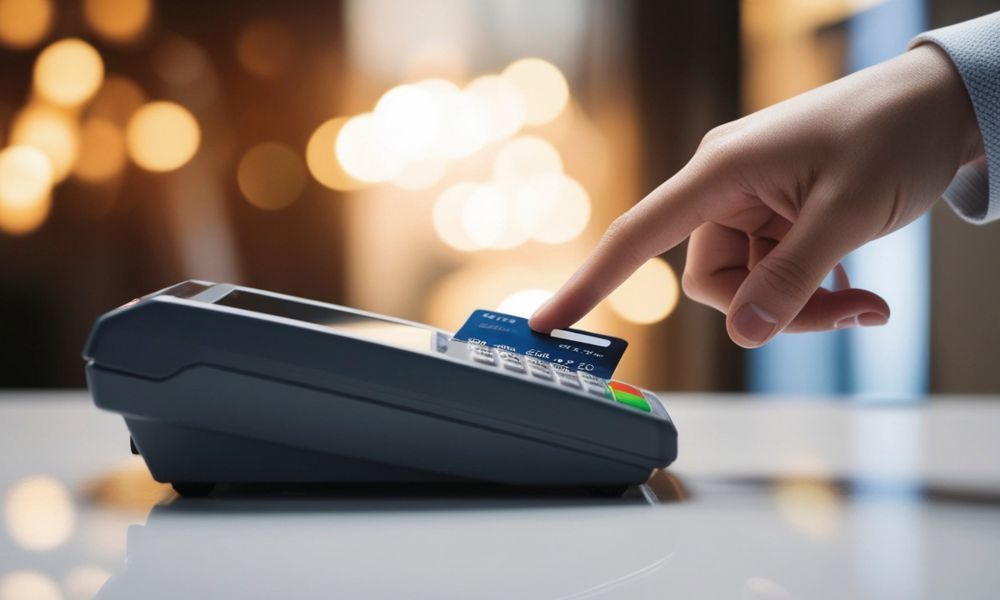
Touch Screen POS terminals are digital systems that allow businesses to process transactions via an interactive touchscreen interface. Unlike traditional cash registers, these terminals offer a sleek, intuitive solution for managing sales, payments, and inventory.
Typical components include:
- Touchscreen display
- POS software
- Payment processing integration
- Receipt printing capability
- Inventory and reporting tools
Many modern POS systems also integrate with accounting software, CRM systems, and cloud-based platforms, giving real-time access to crucial business data..
Benefits of Touch Screen POS Terminals
1. Faster Transactions and Improved Efficiency
Touch screen systems streamline the checkout process by reducing manual input and minimising errors. Staff can quickly navigate menus, select products, and process payments in seconds. This is especially important during peak business hours when long queues can affect customer satisfaction. Faster transactions lead to smoother operations and higher sales turnover.
2. Enhanced Customer Experience
A modern POS system creates a professional and seamless checkout experience. Customers appreciate quick service, multiple payment options, and accurate billing. Features such as digital receipts, loyalty program integration, and promotional discounts further improve customer engagement and retention.
3. Better Inventory and Reporting Management
Touch Screen POS Terminals automatically update inventory in real time and generate detailed reports. Business owners can track:
- Daily and monthly sales
- Best-selling products
- Staff performance
- Customer buying patterns
This helps prevent stockouts, manage inventory efficiently, and make data-driven decisions to maximise profitability.
4. Reduced Human Errors
Manual billing and traditional cash registers often lead to pricing mistakes or incorrect order entries. Touch screen POS systems automate calculations, taxes, and discounts, significantly reducing human error. This improves billing accuracy, builds customer trust, and prevents revenue loss caused by miscalculations.
5. Employee Management and Security Control
POS systems allow managers to assign roles and permissions, limiting access to sensitive features. Additional security features include:
- User login tracking
- Activity monitoring
- Refund and void tracking
- Secure cash drawer management
This improves accountability and minimises internal theft.
6. Real-Time Business Insights
With cloud-based dashboards, business owners can monitor sales and performance from anywhere.
You can track:
- Revenue trends
- Peak sales hours
- Product performance
- Customer behavior
This real-time visibility enables faster decision-making and smarter business strategies.
Key Features to Look For
1. User-Friendly Interface
The primary advantage of a touch screen POS is its simplicity. The interface should be intuitive, responsive, and easy for staff to learn quickly. A clean and organised interface also reduces errors and speeds up transactions. Look for customisable dashboards that allow you to arrange product categories and shortcuts based on your business needs.
2. Payment Flexibility and Integration
Modern customers expect multiple payment options. Ensure the POS terminal supports:
- Credit and debit cards
- Contactless payments
- Mobile wallets
- Online payment integration
It should also integrate seamlessly with accounting software, CRM systems, and inventory management tools for smooth operations.
3. Durability and Hardware Quality
POS terminals are used continuously throughout the day, so durability is crucial. Choose a system with:
- A sturdy, commercial-grade touchscreen
- Spill-resistant design (especially for hospitality)
- Reliable hardware components
- Warranty and technical support
Investing in high-quality hardware reduces maintenance costs and long-term downtime.
4. Cloud Backup and Data Security
Data security is critical for any business. A good Touch Screen POS Terminal should offer:
- Automatic cloud backups
- Encrypted transactions
- Secure customer data storage
- Compliance with payment security standards
This ensures your business data remains safe even in case of hardware failure.
5. Multi-Location Management
If you operate more than one branch, look for a POS system that allows centralised management.
This feature helps you:
- Monitor all locations from one dashboard
- Transfer inventory between stores
- Compare sales performance
- Standardise pricing across branches
It’s especially useful for growing retail chains and franchise businesses.
6. Custom Reporting and Analytics
Beyond basic reports, advanced POS systems provide customisable analytics.
You can generate reports based on:
- Product categories
- Staff performance
- Profit margins
- Seasonal sales
These insights allow you to optimise marketing campaigns and improve profitability.
7. E-commerce Integration
If you sell both online and in-store, integration with e-commerce platforms is essential. A modern POS system can sync:
- Inventory levels
- Customer data
- Sales records
- Pricing updates
This ensures consistency across all sales channels and prevents overselling.
Buying Tips for Touch Screen POS Terminals
Selecting the right POS system requires careful consideration. Here are some important buying tips:
- Understand Your Business Needs: Choose a system tailored to your industry (retail, restaurant, service).
- Check Scalability: Ensure the system can grow with your business and support multiple locations.
- Consider Cloud-Based Options: Remote access simplifies management and software updates.
- Evaluate Customer Support: Reliable support ensures minimal downtime during technical issues.
- Compare Total Costs: Factor in hardware, software, installation, maintenance, and subscriptions.
- Ensure Security and Compliance: Verify PCI DSS compliance and strong data protection standards.
Why Touch Screen POS Terminals Are a Smart Investment
Investing in a modern POS system is not just about processing payments, it’s about improving overall business efficiency. From reducing errors and speeding up transactions to providing valuable business insights, Touch Screen POS Terminals offer a comprehensive solution for today’s competitive market.
As businesses continue to adopt digital solutions, having a reliable and feature-rich POS system becomes a necessity rather than a luxury.
Final Thoughts
Touch Screen POS Terminals offer numerous benefits, including faster transactions, better inventory management, enhanced customer experience, and detailed reporting capabilities. By focusing on essential features like usability, payment flexibility, and durability, you can select a system that supports your business growth.
If you’re looking to upgrade your business operations with a reliable and high-performance POS hardware, now is the time to act. Visit our site today to learn more about our Touch Screen POS Terminal solutions and find the perfect system for your business needs.

 March 27, 2026
 March 20, 2026
 March 15, 2026
 March 10, 2026
 February 27, 2026
 February 23, 2026